A question-led poster layout

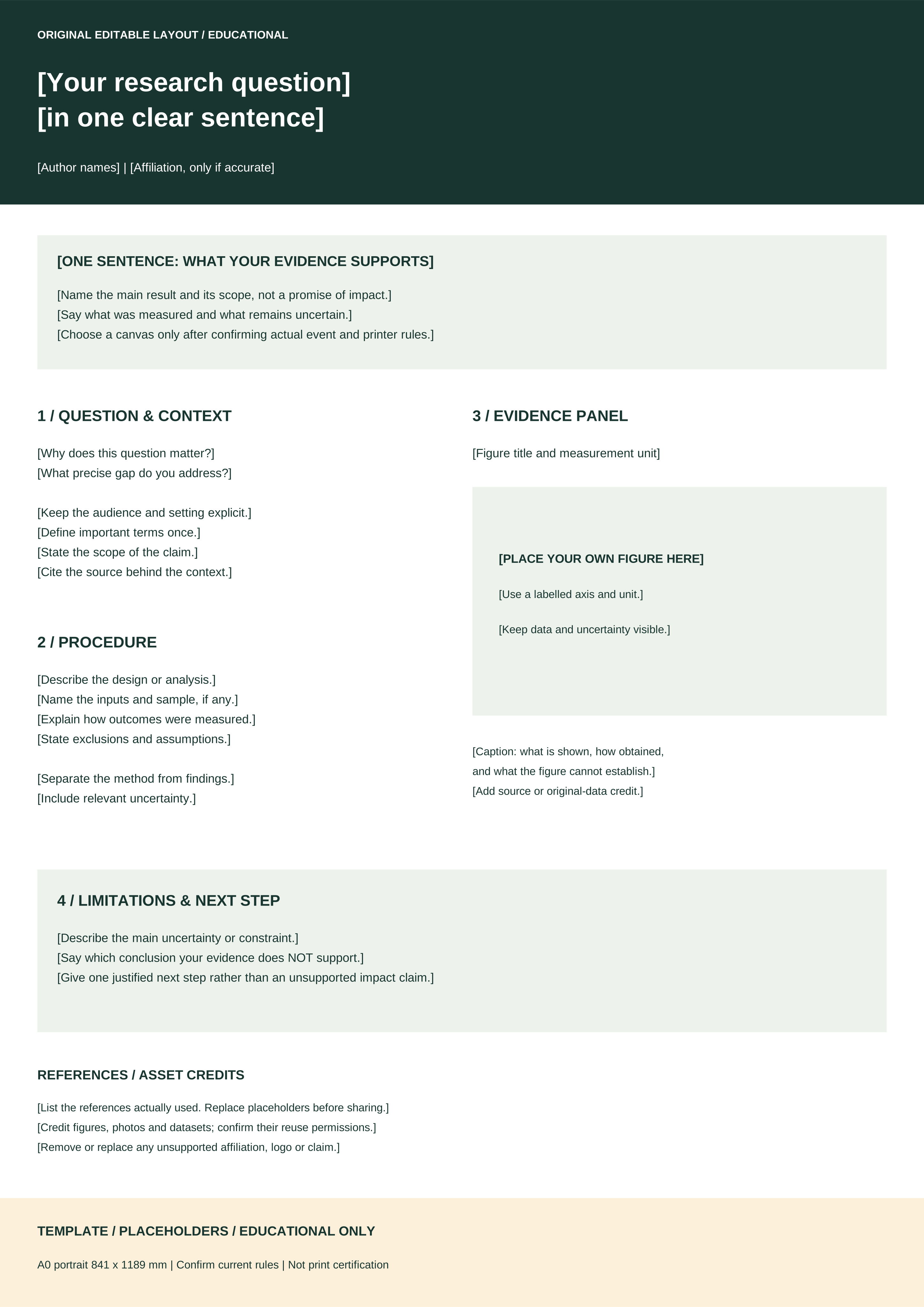
A0 portrait, 841 × 1189 mm. Edit the SVG source; use the companion PDF to preview the supplied layout. Bracketed prompts identify what to replace; they are not finished content.
Original resources · layout + annotated example
Use one original layout to plan the reading order. Use its fictional companion to see how a question, method, chart and limitation fit together.
| Your next task | Use | What to check |
|---|---|---|
| Edit the poster layout | The editable SVG, with a compatible editor. | It starts at A0 portrait. Confirm your required size and whether your editor preserves the layout. |
| Inspect the supplied page | The companion PDF. | This is the supplied version. Editing the SVG does not update that PDF; export your edited version separately. |
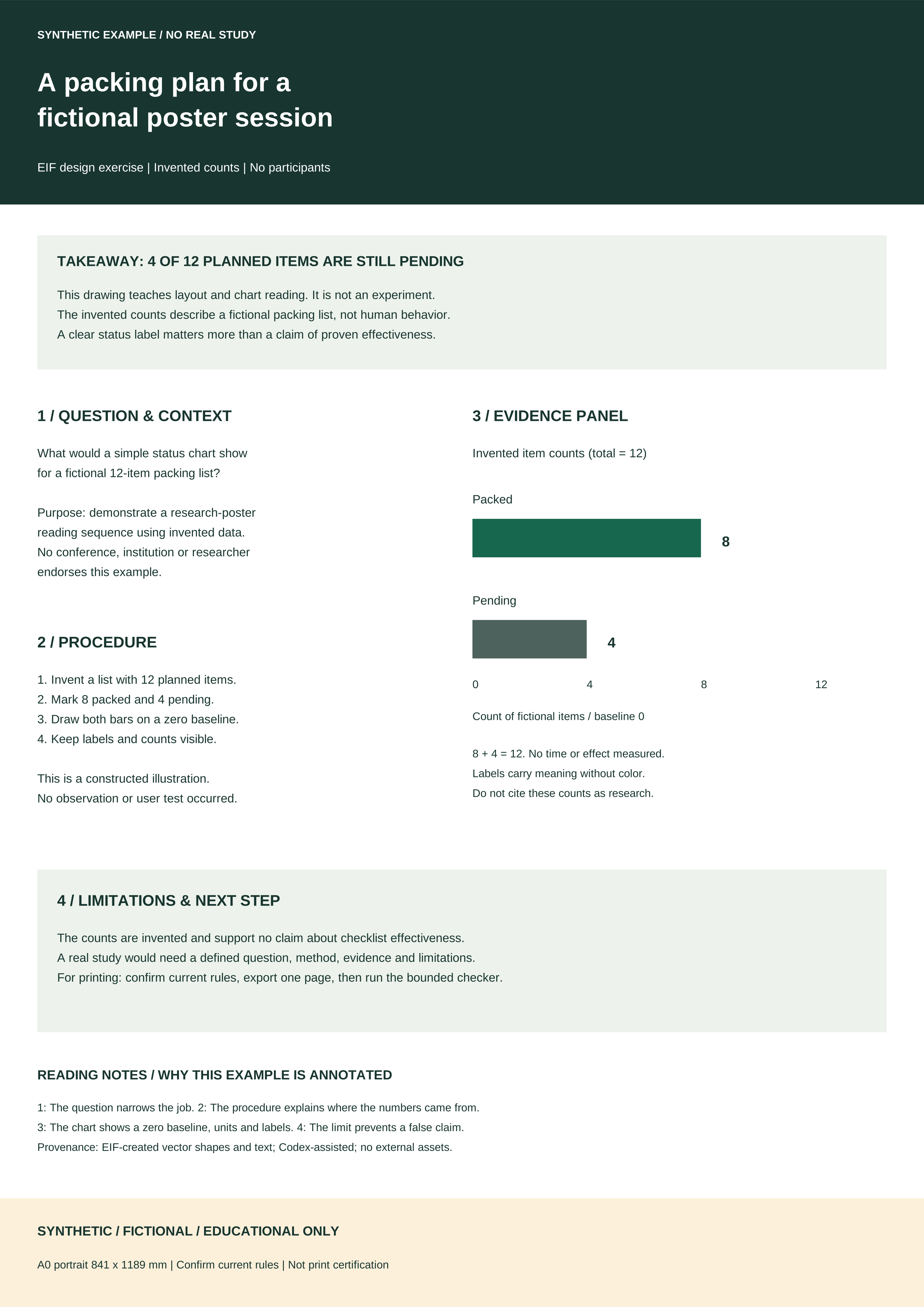
| Learn how a layout supports a claim | The annotated example. | The example is fictional. Its counts must not be presented as your study’s observations. |
| Work in a PowerPoint-only workflow | A native PowerPoint template from your institution or another suitable source. | The downloads here are SVG and PDF, not PPTX. Their import and editing behavior in PowerPoint or Canva has not been verified. |
Write one question, identify the figure that can answer it, and state the most important limitation beside the claim. In the fictional example, a packing-status chart describes a list; it does not demonstrate that a checklist improves anyone’s performance. Apply the same distinction to your own work: describe what your evidence supports, then remove a heading or claim that asks for more.
Use the question-to-evidence workflow to plan your content and the editing steps below to produce a new PDF. Keep the existing resource-use terms with the downloads; permissions for the original template do not grant rights to someone else’s figures or logos.
A0 portrait, 841 × 1189 mm. Edit the SVG source; use the companion PDF to preview the supplied layout. Bracketed prompts identify what to replace; they are not finished content.

Inspect the annotated SVG or view its companion PDF. No experiment was performed. All counts are invented to demonstrate structure, labels and a restrained conclusion.
Responsive preview: upper panels on small screens; complete poster on larger screens. Download the original to inspect every section at full scale.
Download an editable SVG and its companion PDF. You can edit a local copy of the SVG with a compatible editor. Editing the SVG does not automatically update the PDF.
To create an updated PDF, export your edited layout using a compatible tool and inspect the resulting PDF before printing. The internal project generator is part of the development workspace and is not included in the website downloads. Commands mentioned in the editing notes require that separate development source.
Download editing and provenance notes for text-editing guidance and resource-use limits. Download asset manifest and hashes for the files’ origin, formats and recorded checksums.
To practise before editing, save the supplied example PDF and inspect it in the checker. Generic PDF checks do not require an event selection. Optional archived comparisons require matching event, year and session; a match does not establish current requirements or certify fonts, image detail, bleed artwork or color.
Shapes and text were created for this local EIF task with Codex assistance. No university template, logo, image or real research data was reused. Free public distribution of these proven EIF-original files is authorized for the first Pilot. PosterBeacon is the confirmed brand, and posterbeacon.com has been purchased. Contact: contact@posterbeacon.com.
The first PosterBeacon Pilot is authorized to distribute the identified EIF-original layout, synthetic example, their SVG and PDF versions, and associated previews free of charge.
You may download these resources free of charge and edit a local copy. You may print, present and share your completed posters, including for your own professional presentations.
Permission to share a completed poster does not authorize standalone resale, redistribution, rehosting or sublicensing of the original EIF templates.
These permissions grant no rights to third-party works. Bundled software libraries remain subject to their own licence conditions. No Creative Commons licence is adopted. Read the resource-use notes.
Authorization recorded 6 October 2026. Earlier provenance and editing notes document how the unchanged originals were created; their historical pending-distribution wording is superseded by this authorization.
Use the original layout as a starting point. Check your final exported PDF locally.
Download, edit, then check →